
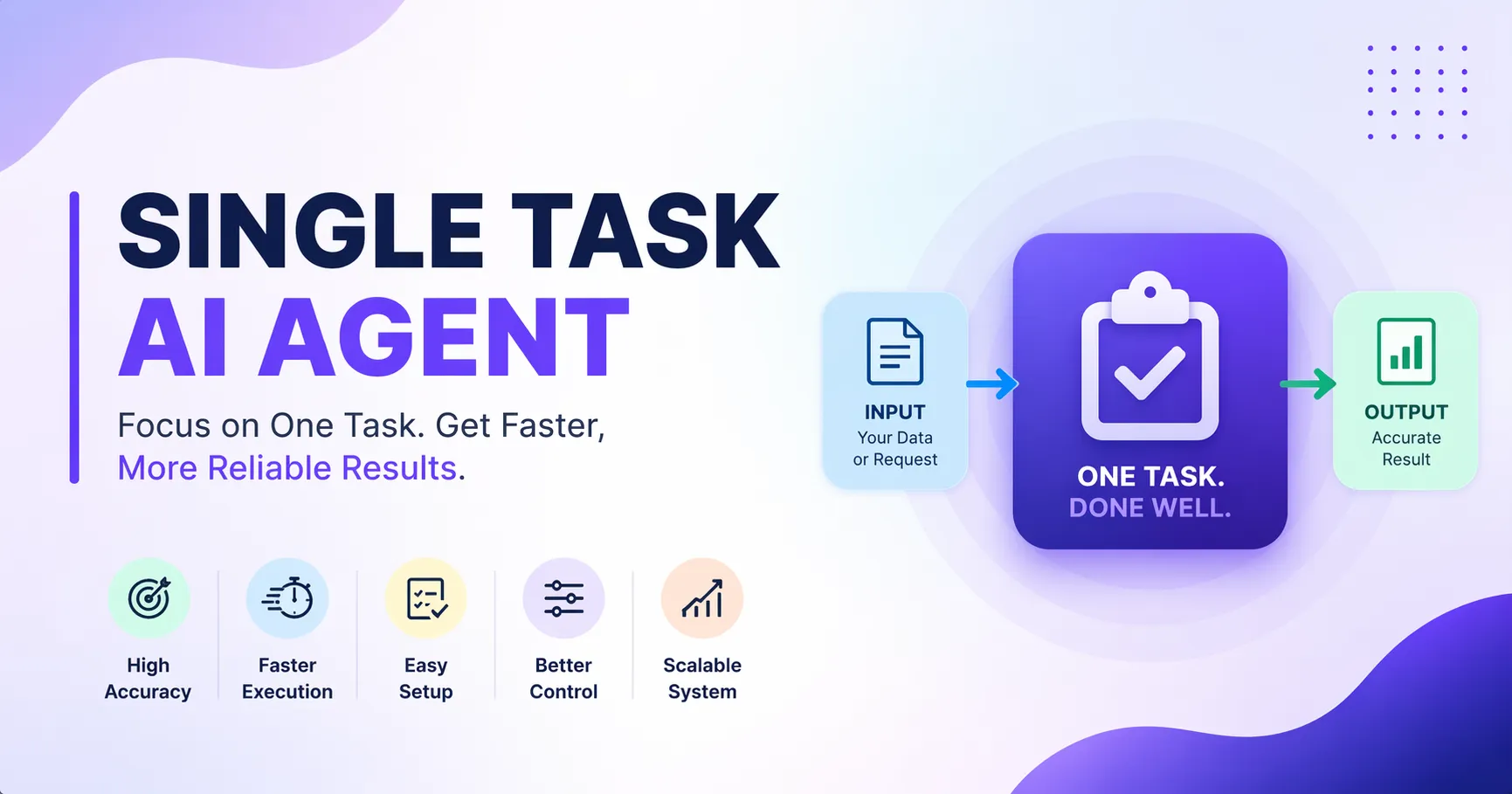
Focus on one task. Get faster, more reliable results with AI.
Key Takeaways
- A Single Task AI Agent handles one specific job with high accuracy.
- It reduces errors by avoiding unnecessary complexity.
- It improves speed, consistency, and automation in daily work.
- It works well for both personal and business use cases.
What Is a Single Task AI Agent?
A Single Task AI Agent is an AI system designed to perform one specific task. It does not try to do everything. It focuses on one job and performs it well.
Examples include:
- An AI that writes email replies
- An AI that extracts data from invoices
- An AI that schedules meetings
This approach follows a simple idea: one task, one agent, better output.
Why Single Task AI Agents Matter
Many AI tools try to solve multiple problems at once. This often leads to confusion and errors. A Single Task AI Agent avoids this issue.
Key Benefits
High Accuracy: The agent focuses on one task. This improves precision.
Faster Execution: The agent does not switch between tasks. It completes work quickly.
Easy Setup: You can define clear instructions. This reduces setup time.
Better Control: You know exactly what the agent will do.
Scalable System: You can create multiple agents for different tasks and connect them later.
How Single Task AI Agents Work
A Single Task AI Agent follows a simple structure:
Input: The user provides data or a request.
Processing: The AI applies rules, prompts, or logic.
Output: The AI returns a result based on the task.
Example Flow
- Input: Customer email
- Process: Analyze tone and intent
- Output: Draft reply
Explore AI agent creating system
Common Use Cases
Work and Business
Email Response Agent Drafts replies based on context
Data Extraction Agent Pulls data from PDFs or images
Meeting Summary Agent Converts notes into clear summaries
Lead Qualification Agent Filters and ranks potential clients
Personal Life
Daily Planner Agent Creates task lists based on goals
Expense Tracker Agent Categorizes spending
Learning Assistant Agent Summarizes study material
Single Task vs Multi Task AI Agents
Feature Single Task AI Agent Multi Task AI Agent
Focus One task Multiple tasks Accuracy High Medium Speed Fast Slower Complexity Low High Control Easy Difficult
A Single Task AI Agent works best when you need reliability. A Multi Task AI Agent works when flexibility matters.
How to Create a Single Task AI Agent
You can build one using tools like Custom GPTs, Gemini Gems, or similar platforms.
Step-by-Step Guide
Step 1: Define the Task
Be specific. Example: “Summarize meeting notes into bullet points.”
Step 2: Write Clear Instructions
Explain what the agent should do and what to avoid.
Step 3: Add Input Format
Define how users will give data.
Example:
- Text
- File
- Form
Step 4: Set Output Format
Decide how the result should look.
Example:
- Bullet points
- Table
- Short paragraph
Step 5: Test the Agent
Run sample inputs. Improve instructions if needed.
Best Practices
- Keep It Simple
- Avoid adding extra features. Focus on one goal.
- Use Structured Prompts
- Define clear steps for the AI.
- Test with Real Data
- Use actual examples to improve accuracy.
- Iterate Regularly
- Update the agent based on feedback.
Common Mistakes to Avoid
Trying to handle multiple tasks in one agent
- Using vague instructions
- Ignoring output format
- Skipping testing
- These mistakes reduce performance.
Real-World Example
A company uses a Single Task AI Agent to process invoices.
Before
- Manual data entry
- High error rate
- Slow processing
After
- Automated extraction
- Accurate data
- Faster workflow
This shows how a focused agent can improve results.
Future of Single Task AI Agents
Single Task AI Agents will become building blocks of larger AI systems.
Businesses will create multiple agents such as:
- One for customer support
- One for reporting
- One for operations
These agents will work together as a system.
Conclusion
A Single Task AI Agent solves one problem with clarity and speed. It reduces errors and improves consistency. It is easy to build and easy to scale.
Start with one task. Build one agent. Test it. Improve it. Then create more agents as needed.
This simple approach can transform how you work and automate daily tasks.